

In our last communication, we discussed the document library capabilities of SharePoint Online. This time, we look at one of the most powerful things that you can do with SharePoint Online – create websites.
There are two main types of websites in SharePoint Online:
- Team sites
- Communication sites
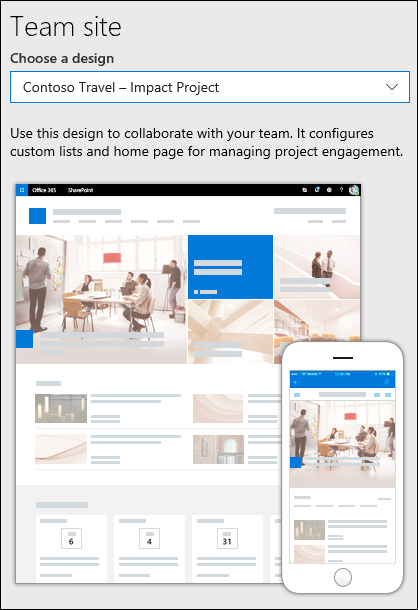
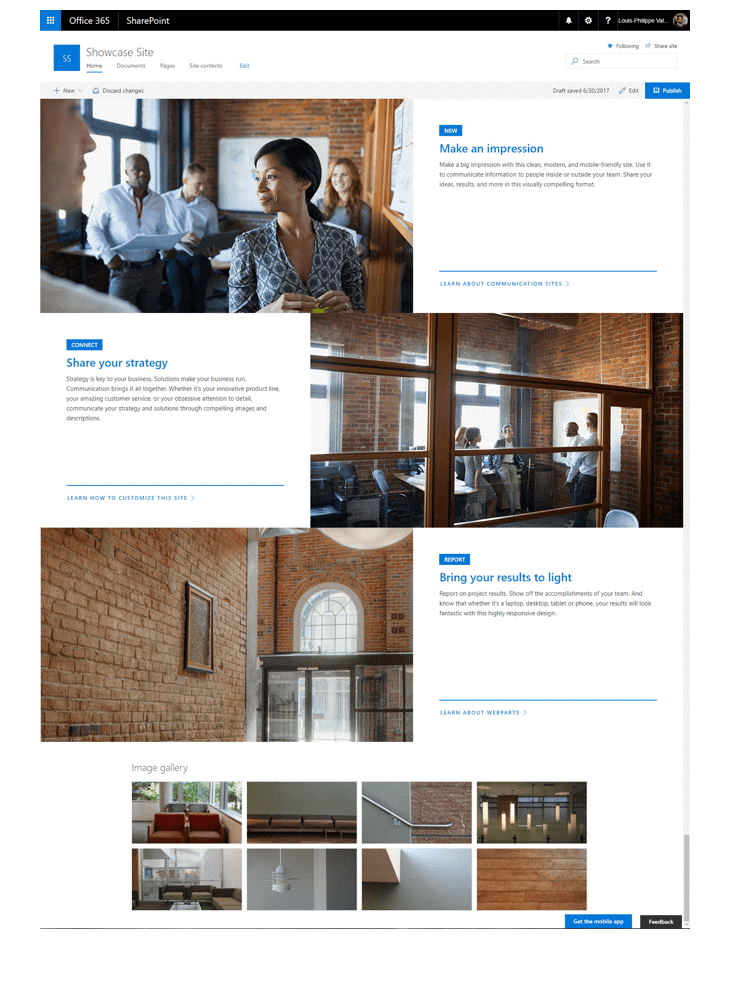 Team sites are for more private interactions, usually for a smaller audience. While a Communications site is meant to be more of a broadcast to a larger audience and is usually more informational and one-way communication. Usually, companies will have many Team sites but few Communications sites.
A Team site is for teams to collaborate on projects and share information from anywhere on any device. It can be used to track status of project or plan an event.
A team site includes a group of related web pages, a default document library for files, lists for data management, and web parts or starting points that can be customized. They allow all members to create and edit content.
Communication sites on the other hand, are normally geared towards broadcasting a message, telling a story, creating a blog, or showing services and solutions. For example, policies and procedures for your company, resources for sales or marketing, reporting on key metrics to be shared with the company, etc. This type of site is not meant for multiple editors or contributors. Instead, it is limited to those that can add content while allowing most users to be viewers.
Want to learn more about SharePoint and its uses? Visit this link to start using SharePoint today
https://support.office.com/en-US/article/cb8ef501-84db-4427-ac77-ec2009fb8e23?wt.mc_id=otc_home
